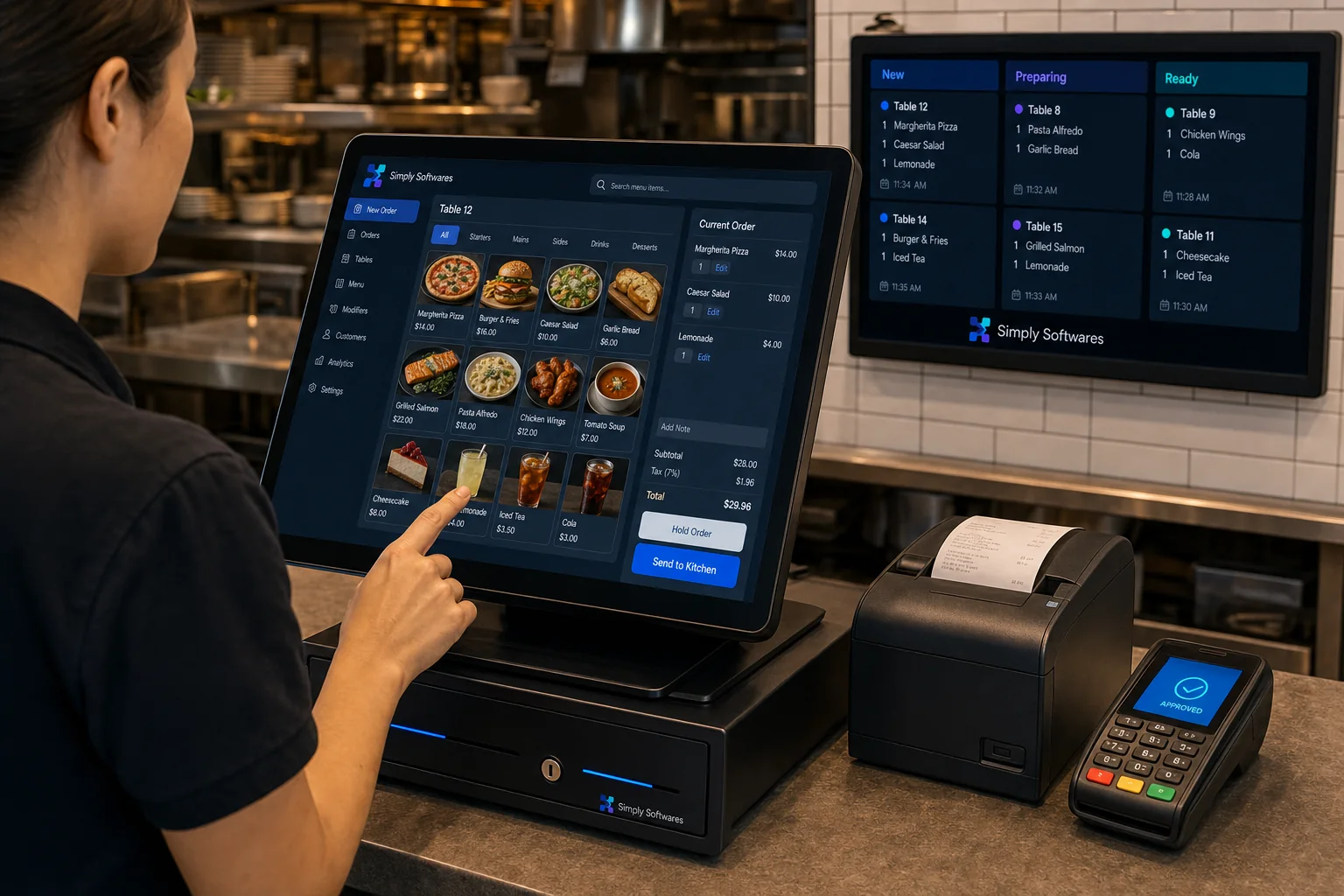
Customer Order Display System
POS Software Desktop

Customer Order Display System

Display live order numbers and preparation status on customer-facing screens.

Product Overview

Display live order numbers and preparation status on customer-facing screens. This sample product demonstrates how a real product page will look. Administrators can edit descriptions, upload images, add screenshots, attach PDF catalogues, attach user guides, hide or publish the product, and mark it as featured from the admin panel.
Main Features

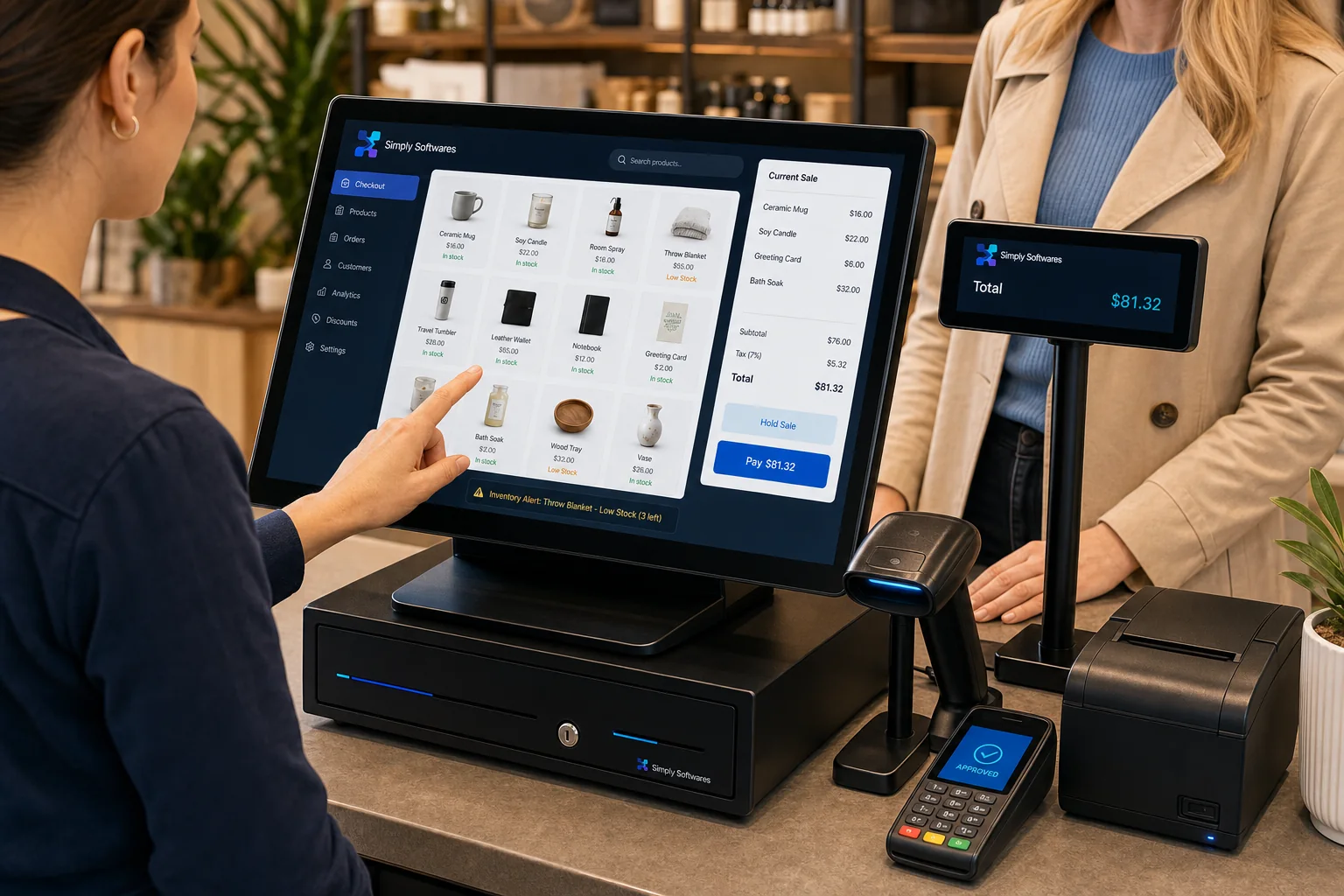
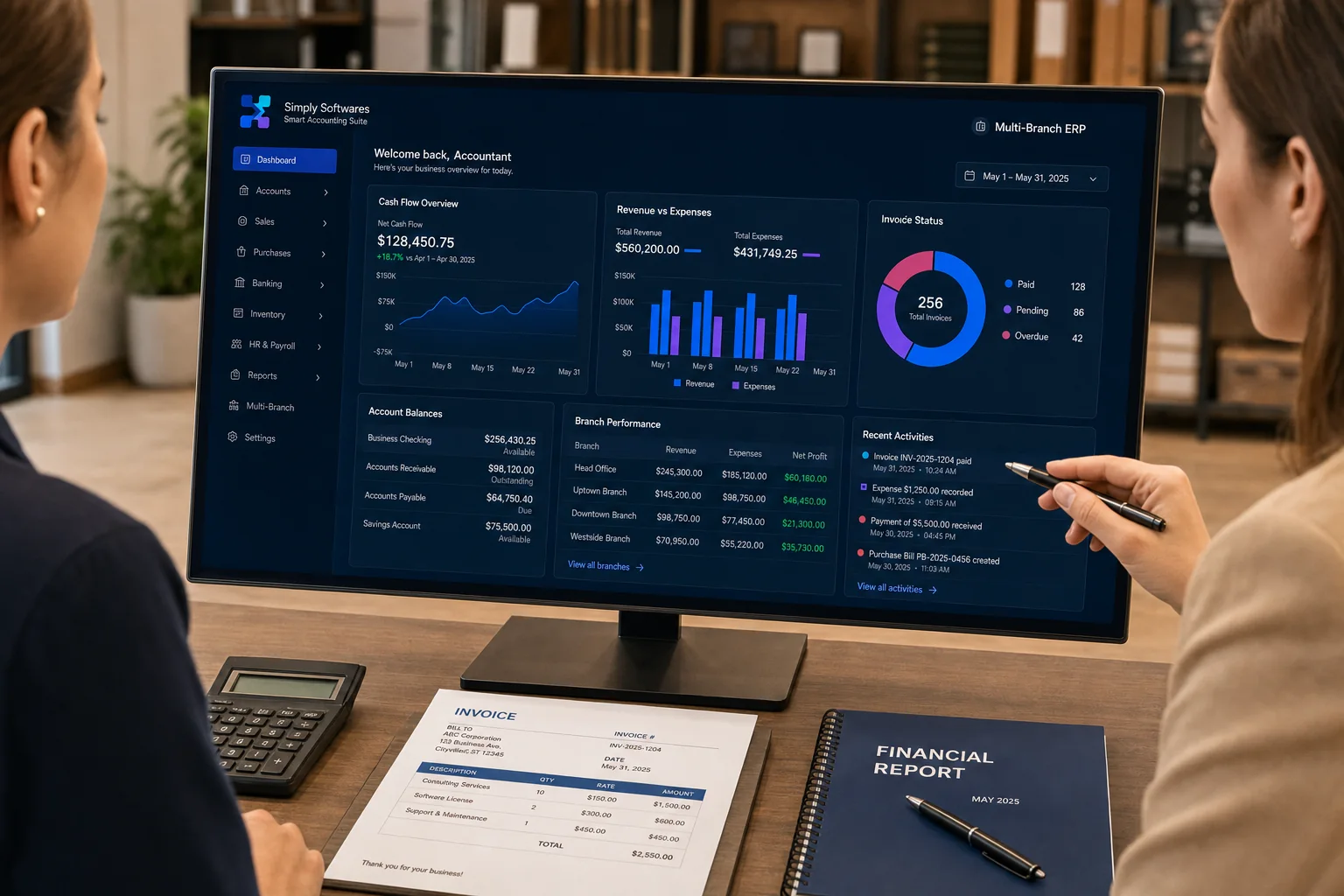
Smart dashboard

View sales, stock, activity and alerts from one clear screen.

Role-based access

Control what administrators and staff members can view or change.

Fast reports

Generate practical daily, weekly and monthly reports.

Document support

Attach catalogues, user guides and product information.

Multi-platform ready

Designed to support desktop, web or mobile workflows where needed.

Easy administration

Update content and product status from the protected admin panel.

Screenshot Gallery

Screenshot preview

Demonstration Video

Related Software

Restaurant POS Manager Featured
Desktop

Restaurant POS Manager

Table orders, kitchen tickets, billing and daily sales reports for restaurants.

Complete Shop POS System Featured
Desktop

Complete Shop POS System

Complete counter sales, barcode scanning, payments, receipts and shop inventory in one desktop system.